

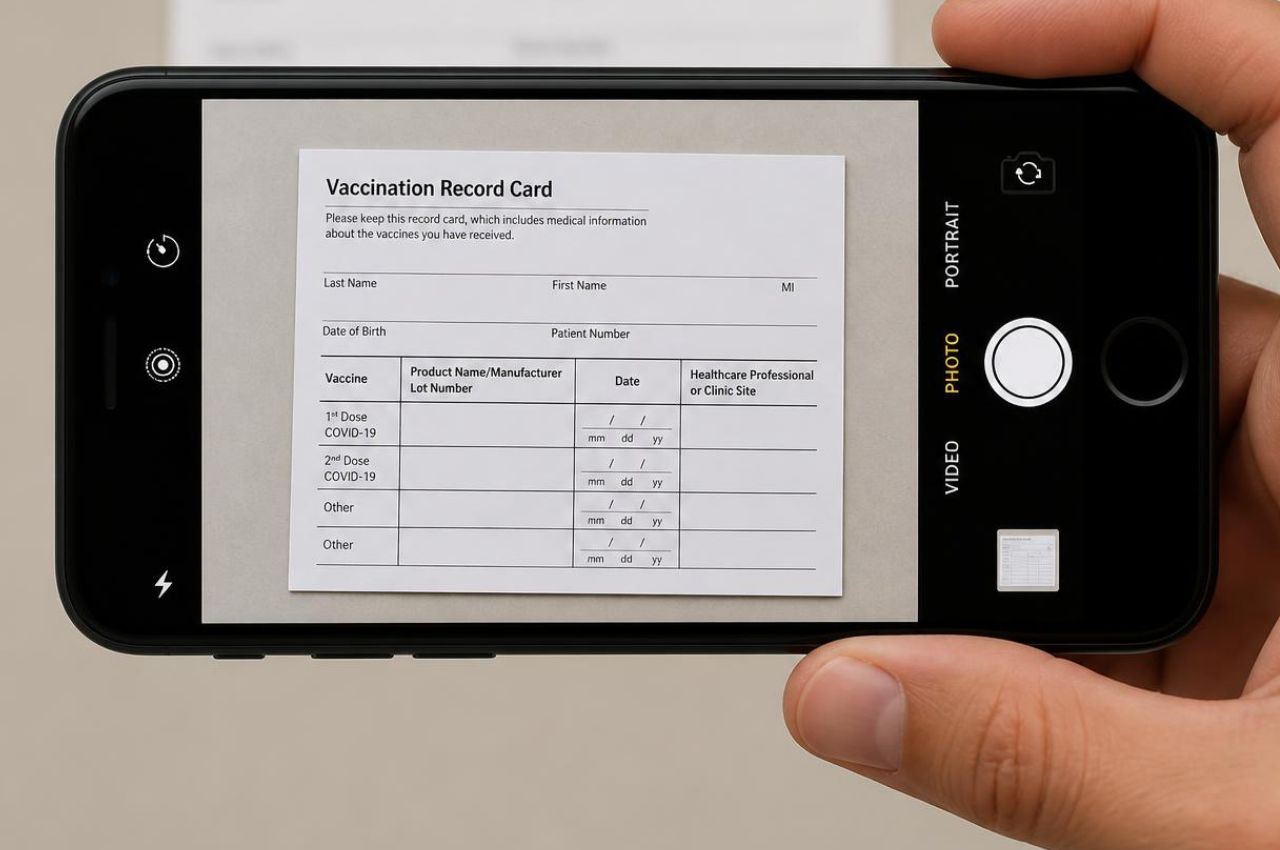
A COVID-19 vaccine card documents the doses you received and when. Facilities that require vaccination check it before clearing a clinician for shifts, and it sits with your other nursing credentials.
What counts as proof?
More than the paper card, usually. The white CDC vaccination record card is the familiar version, listing the vaccine product, lot number, dates, and where each dose was given. A record from your state immunization registry, or documentation from the provider or pharmacy that vaccinated you, generally serves the same purpose. Whatever you upload needs the dates and the product legible, and a photo taken at an angle or in poor light is the usual reason one comes back.
Who sets the requirement?
Facilities and states rather than the federal government. The federal vaccination requirement for staff at participating healthcare facilities was rescinded in 2023, which left the decision with individual operators and with states that maintain their own rules. That is why the credential appears on some shifts and not others. Facilities that do require it typically handle medical and religious exemptions through their own process, and the documentation they accept varies, so ask rather than assuming an exemption granted elsewhere carries over.
What if you lost your card?
You are not starting over. Your state immunization registry holds the record in most cases, and the pharmacy or clinic that administered the doses can usually reissue documentation. Either route produces something a facility will accept, and both are quicker than they sound. Request the record before a shift you want appears rather than after.
Adding it to your profile
Upload the card or the registry record, showing each dose and its date.
- Tap Menu in the top left of the Nursa app.
- Select Profile.
- Scroll to the Credentials section.
- Tap Add your Credential.
- Upload your document as a PDF, WORD, JPG, or PNG.
Sign up as a clinician and get the record on file so it is one less thing to chase later.



