

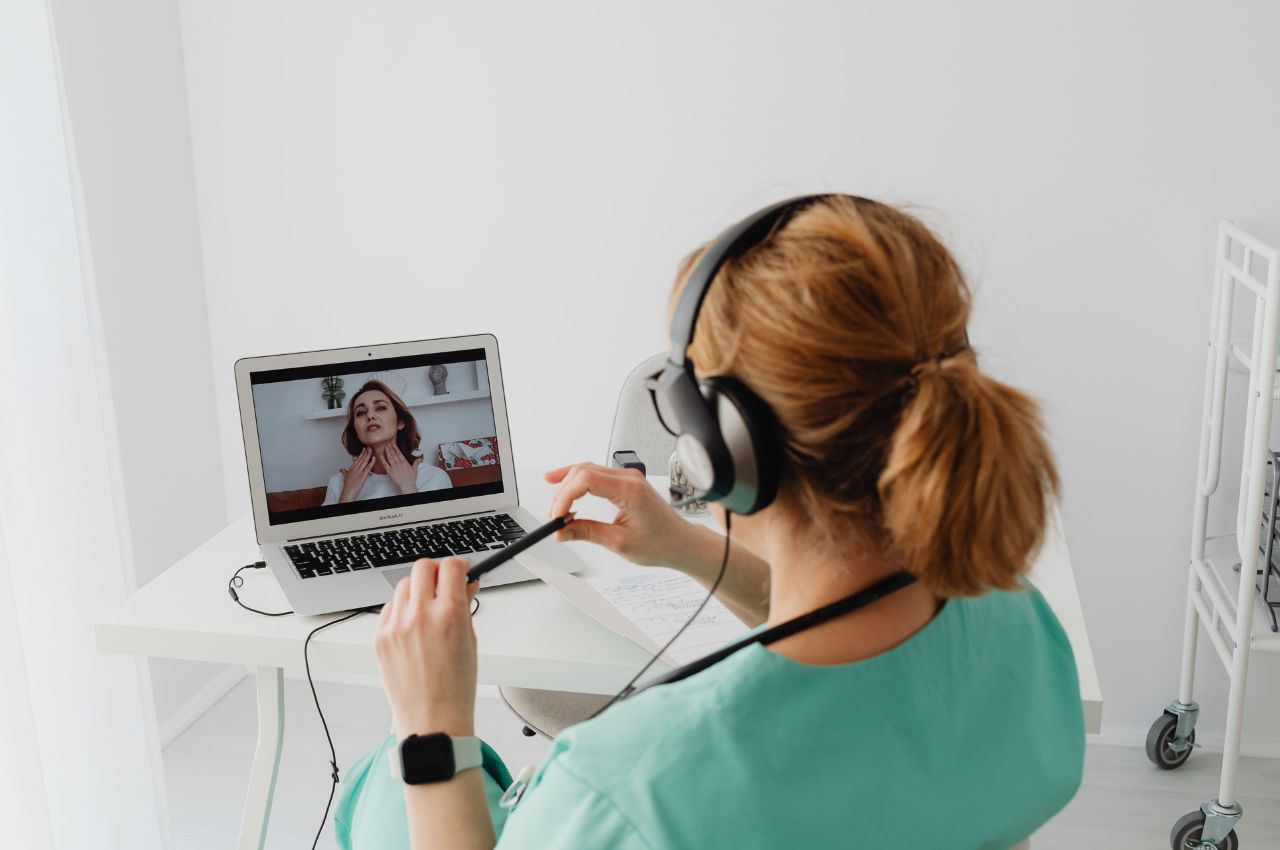
Amara Health Care may require clinicians to complete an in-service before approving them to pick up shifts at its locations. An in-service is facility-led training rather than a certification, so it reflects that operator’s own policies instead of a national standard.
How is an in-service different from orientation?
Orientation usually introduces a clinician to a facility for the first time. An in-service is more often ongoing education that keeps staff current on policies, procedures, or care practices after they’re already working there. Some operators use the two terms loosely, so the credential list on a shift posting is the clearest guide to what a particular location is asking for.
What topics does an in-service usually cover?
The content belongs to the facility, but in-services often focus on areas such as:
- Infection control and safety procedures
- Updates to clinical policies or documentation practices
- Resident or patient rights
- Emergency preparedness
Amara Health Care sets the actual topics, and the training itself is the place to confirm what’s included.
Does an in-service need to be repeated?
Often, yes. Many facilities schedule in-services annually or whenever a policy changes, so a completed in-service may need to be refreshed later. That makes it different from a one-time record such as a signed agreement, which usually stays on file once it’s done.
How to add this credential to your Nursa profile
In-service records are added the same way as other credentials.
- Navigate to your Profile in the Nursa app.
- Locate Credentials on your profile view.
- Select the “+” button.
- Select “Add Credential.”
- Select the credential you want to add.
- Follow the instructions to add your credential.
Depending on the credential type, this may require uploading proof of the certification, reviewing and signing a document, or completing a facility-required training in ShiftReady. ShiftReady is an online learning management platform that offers clinicians access to a library of third-party training resources.
Ready to get started? Create your Nursa clinician account.



