

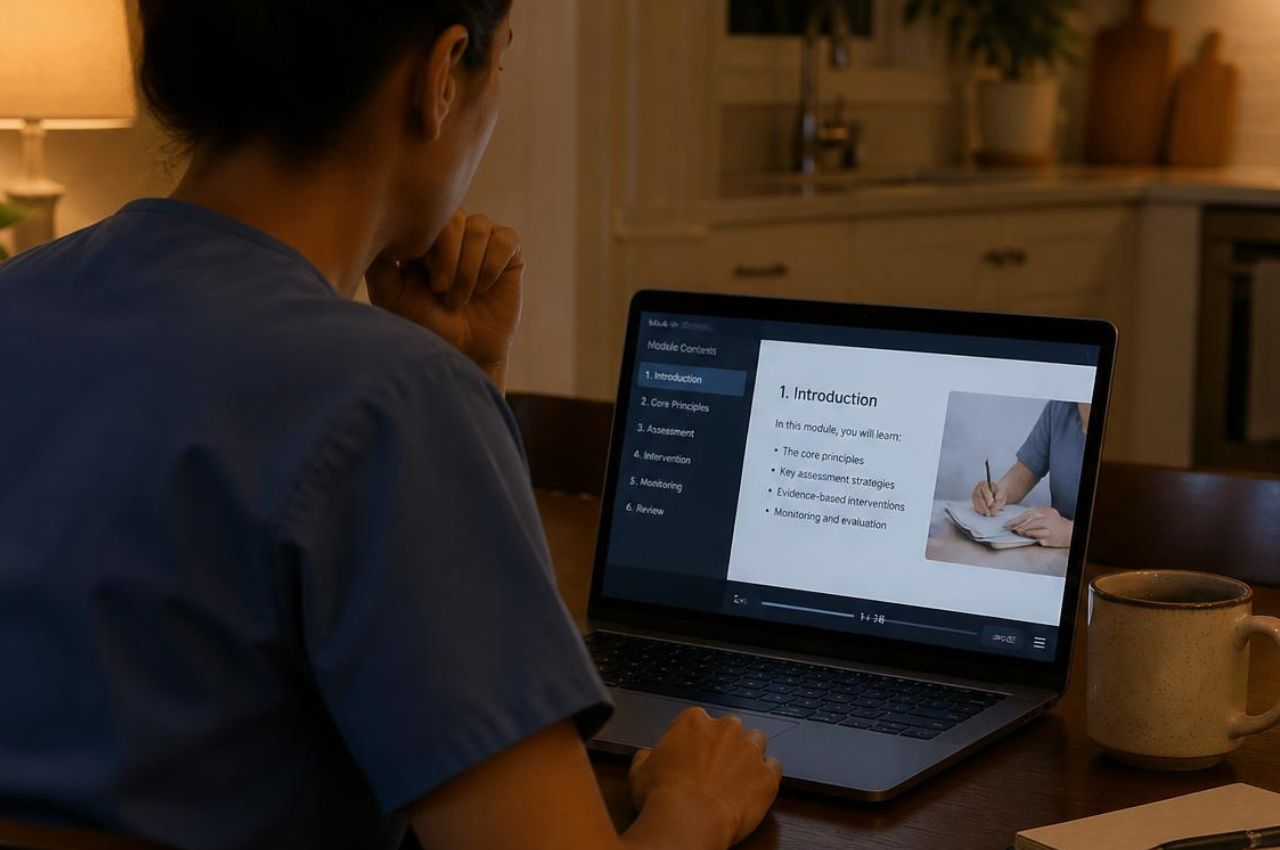
Cascades Health Care facilities may require the Cascades Health Care orientation before approving clinicians to pick up shifts at their location. It appears as its own item on a shift's credential list, separate from licensure and from the state documents a facility keeps on file.
Who the orientation applies to
A facility may ask for this record from clinical staff scheduled on-site, which can include registered nurses, licensed practical nurses, and certified nursing assistants. What a building keeps on file can differ by role and by location, so the credential list on a posting is the reliable source.
What a facility orientation typically includes
Orientation credentials of this type generally cover the ground a permanent hire would absorb during onboarding, compressed for someone arriving for a single shift.
- Facility protocols covering how the building runs its units.
- Compliance standards that apply to clinicians working on a registry basis.
- Resident care policies specific to the operator.
Because the material is written around one operator's buildings, it belongs to that operator rather than to an outside certifying body, and it does not transfer to another.
Where it sits among your other credentials
Facility orientation is one item on a longer list. It speaks to how a particular operator runs its building, so it sits alongside the nursing credentials that travel with you between employers rather than replacing any of them.
How to add this credential to your Nursa profile
- Navigate to your Profile in the Nursa app.
- Locate Credentials on your profile view.
- Select the "+" button.
- Select "Add Credential."
- Select the credential you want to add.
- Follow the instructions to add your credential.
Depending on the credential type, this may require uploading proof of the certification, reviewing and signing a document, or completing a facility-required training in ShiftReady. ShiftReady is an online learning management platform that offers clinicians access to a library of third-party training resources.
Not on Nursa yet? Sign up with Nursa to start picking up PRN shifts.



